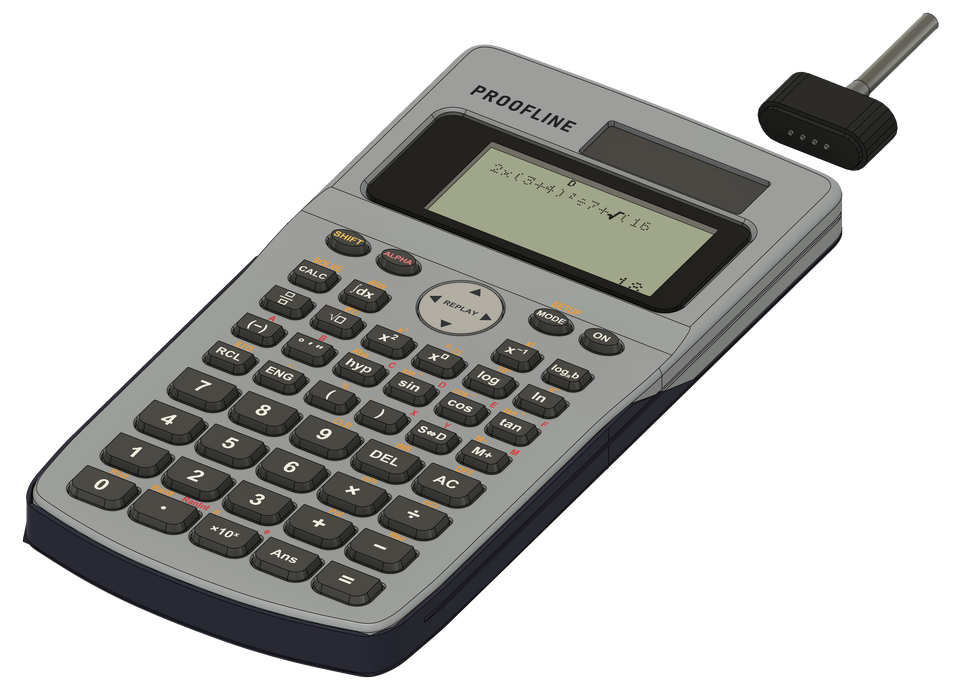
Statistics, equations, matrices and more, built in.
The modes and keys a math or science class expects. The MODE menu has nine: COMP, STAT, TABLE, Apps, EQN, CMPLX, BASE-N, MATRIX and VECTOR. The calculator modes run offline, and they stay on in exam mode.
Statistics MODE 2
One-variable and two-variable statistics, with 7 regression types from linear to inverse. Up to 80 rows of data (fewer for paired data or with a frequency column). Sums, means, standard deviations, regression coefficients and estimates.
Function tables MODE 3
Type f(x), pick a start, end and step, and scroll through a table of x and f(x), up to 30 rows.
Equations MODE 5
Systems of 2 or 3 linear equations, and quadratic and cubic equations, with complex roots shown as a+bi. For a quadratic, it also gives the minimum or maximum point. A system with no answer or endless answers says “No Solution” or “Infinite Solution”.
Complex numbers MODE 6
Add, subtract, multiply and divide complex numbers, typed as a+bi or in polar form, r∠θ. Answers in either form, plus the argument, the conjugate and the absolute value.
Decimal, hex, binary, octal MODE 7
Whole-number math in DEC, HEX, BIN and OCT, with one key to switch the answer to another base. Logic operations too: and, or, xor, xnor, Not and Neg.
Matrices and vectors MODE 8 · 9
Matrices up to 3×3: add, subtract, multiply, determinant, transpose and inverse, kept as exact fractions. Vectors in 2D or 3D: dot product, cross product and magnitude.
CALC and SOLVE CALC
CALC asks for a value for each variable in an expression and works it out. SHIFT CALC solves an equation numerically from a starting guess, and says “Can’t Solve” when it finds no answer.
Integrals and derivatives ∫dx
Definite integrals with ∫dx, and the derivative at a point with SHIFT ∫dx (d/dx).
Screens from our prototype software. The calculator screens use a classic LCD look; color comes on in the apps.
In your hand
Built like a real calculator.
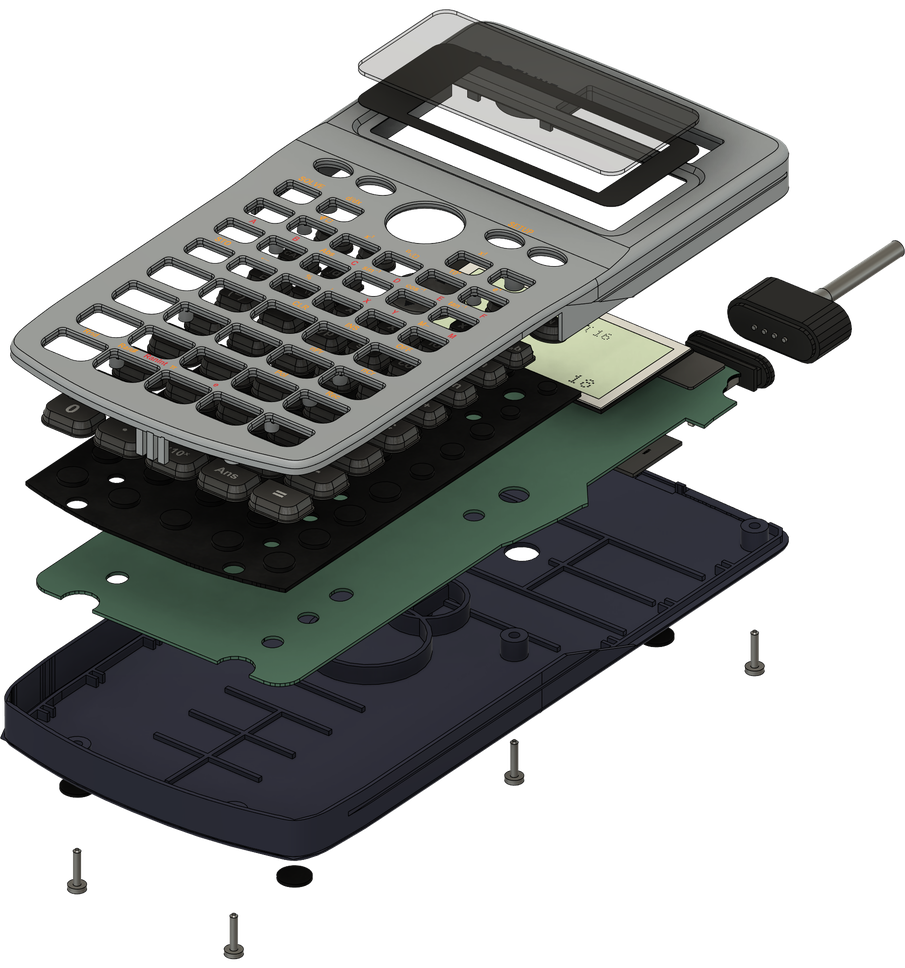
Our own circuit board inside a familiar scientific-calculator shell.
Standard US key layout
The keys are where you expect them, so there’s nothing new to learn.
A real rubber keymat
The keys press like a calculator’s, not like a touchscreen.
Magnetic charging
The charging plug snaps on with a magnet. The battery is rechargeable, 150 mAh.
No LED
Nothing blinks or glows on the desk.
A sharp color display
The calculator screens keep a classic LCD look. The apps, AI Solve’s answers and steps, and the camera viewfinder show in color.